


How to Use Google Business Profile to Get More Local Customers

 Aug 12,2026
  By ideaxcorp@gmail.com
 When people search for a business near them, they often look at Google Search and Google Maps before visiting a website. A well-optimized Google Business Profile can help your business appear in these local searches, build trust, and attract more cu stomers.
Whether you run a restaurant, clinic, salon, retail store, agency, or professional service, your Google listing can become an important part of your local marketing strategy.
However, simply creating a profile is not enough. You need to keep your information accurate, add useful content, collect genuine reviews, and regularly maintain your profile.
In this guide, we’ll explain how to use your Google Business Profile effectively to improve local visibility and turn online searches into real customers.
What Is Google Business Profile?
Google Business Profile is a free Google tool that allows businesses to manage how they appear on Google Search and Google Maps.
Your profile can display important information such as:
- Business name
- Address
- Phone number
- Website
- Opening hours
- Business category
- Photos and videos
- Customer reviews
- Products or services
- Questions and answers
- Business updates
When someone searches for your business or a related service, this information can appear in Google’s local results.
For local businesses, an optimized profile can make it easier for potential customers to discover, contact, and visit the business.
Why Google Business Profile Matters for Local Businesses
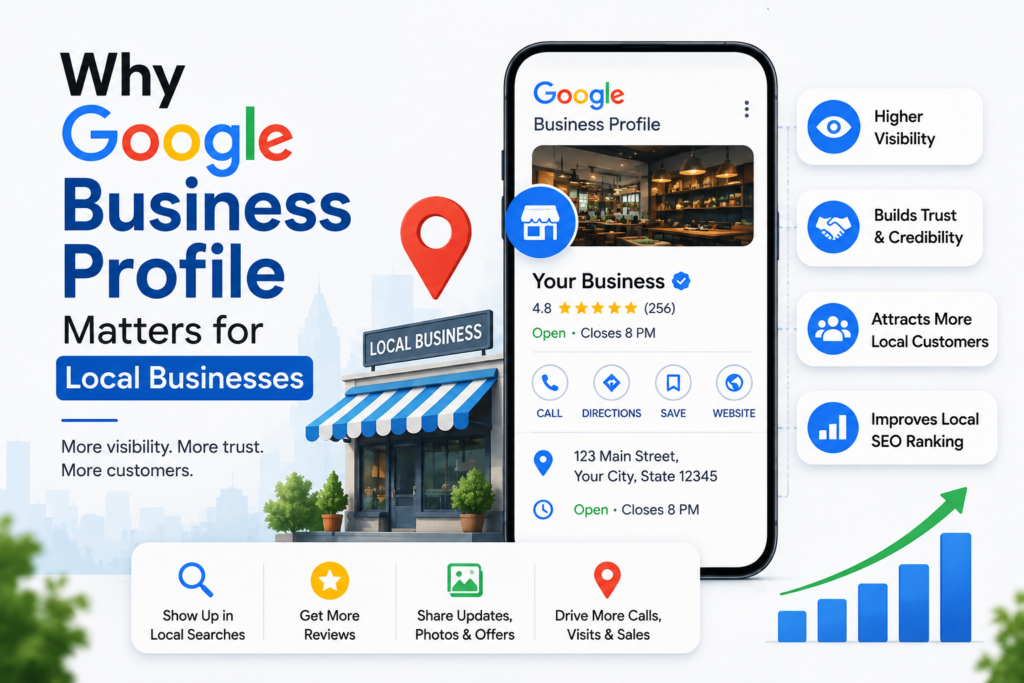
Local customers usually want quick and reliable information. For example, someone searching for “digital marketing agency near me” may compare several businesses b efore making a decision.
Your Google listing can help potential customers answer important questions immediately:
- Where are you located?
- Are you open now?
- What services do you offer?
- How can customers contact you?
- What do previous customers say?
- Can they visit your website?
A complete and accurate profile can therefore support both local SEO and customer decision-making.
It can also help businesses appear in the Google Maps local pack , where users can compare relevant businesses directly from search results.
How to Optimize Your Google Business Profile
Creating a profile is only the first step. The real value comes from keeping it complete, a ccurate, and useful.
1. Choose the Right Business Category
Your primary business category helps Google understand what your business does.
Choose the category that most accurately represents your main service.
For example, a digital marketing company should select the most relevant marketing-related category rather than choosing a broad or unrelated category simply because it has a large search volume.
You can also add relevant secondary categories where appropriate.
Tip: Avoid adding categories that do not accurately describe your business. Relevance is more important than adding as many categories as possible.
2. Keep Your Business Information Accurate
Your business information should be consistent across your website, Google listing, social media profiles, and other directories.
Pay particular attention to:
- Business name
- Address
- Phone nu mber
- Website URL
- Opening hours
- Service information
This consistency is commonly referred to as NAP consist ency — Name, Address, and Phone number.
If your business moves to a new location or changes its phone number, update the information across important platforms.
3. Write a Clear Business Description
Your business description should quickly explain who you are, what you offer, and where you serve customers.
Avoid filling the description with repeated keywords.
Instead, write naturally and focus on the information that would actually help a potential customer.
For example, a local marketing agency could explain its key services , target businesses, and service areas in a clear and professional way.
A useful description can improve the user’s understanding of your business and encourage them to explore further.
4. Add High-Quality Photos Regularly
Visual content can make your business profile more attractive and trust worthy.
Consider adding:
- Business exterior photos
- Interior photos
- Team photos
- Product photos
- Service photos
- Project photos
- Event photos
- Short videos
Use clear, original images rather than generic stock photos whenever possible.
For businesses with physical locations, exterior and interior photographs can also help customers recognize the business when theyarrive.
5. Encourage Genuine Customer Reviews
Reviews are one of the most important trust signals for local business.
After completing a service or purchase, politely ask satisfied customers to leave an honest review.
You can make the process easier by providing your review link through :
- Email
- SMS
- Invoices
- Thank-you messages
Do not buy fake reviews or ask customers to write misleading reviews.
Instead, focus on providing a good customer experience and encouraging genuine feedback.
6 . Respond to Reviews
Getting reviews is only part of the process. Responding to them shows customers that you value their feedback.
For positive reviews, thank the customer and acknowledge their experience.
For negative reviews, remain professional and avoid arguments. If appropriate, invite the customer to contact your business directly so the issue can be resolved.
Professional responses can help demonstrate your commitment to customer service.
Use Google Posts to Keep Your Profile Active
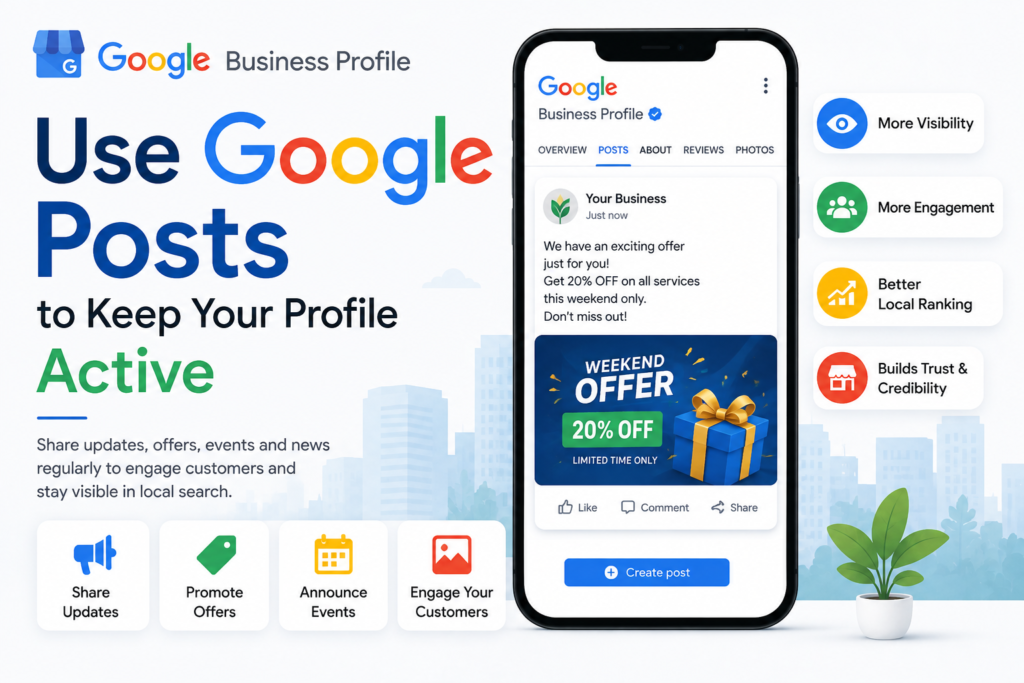
Google allows eligible business to publish updates through their profile.
You can use these updates to highlight:
- New services
- Special offers
- Events
- New products
- Business announcements
- Helpful content
For example, a local digital marketing agency could publish an update about a new SEO service or link users to a useful blog article.
Keep your posts useful rather than publishing repetitive promotional messages.
Add Your Products and Services
If your business offers multiple services, make sure the relevant services are clearly presented on your profile.
For example, a digital marketing agency could list:
- SEO services
- Google Ads management
- Social media marketing
- Website development
- Content marketing
- Local SEO
Clear service information helps potential customers understand whether your business matches their needs.
Use Local Keywords Naturally
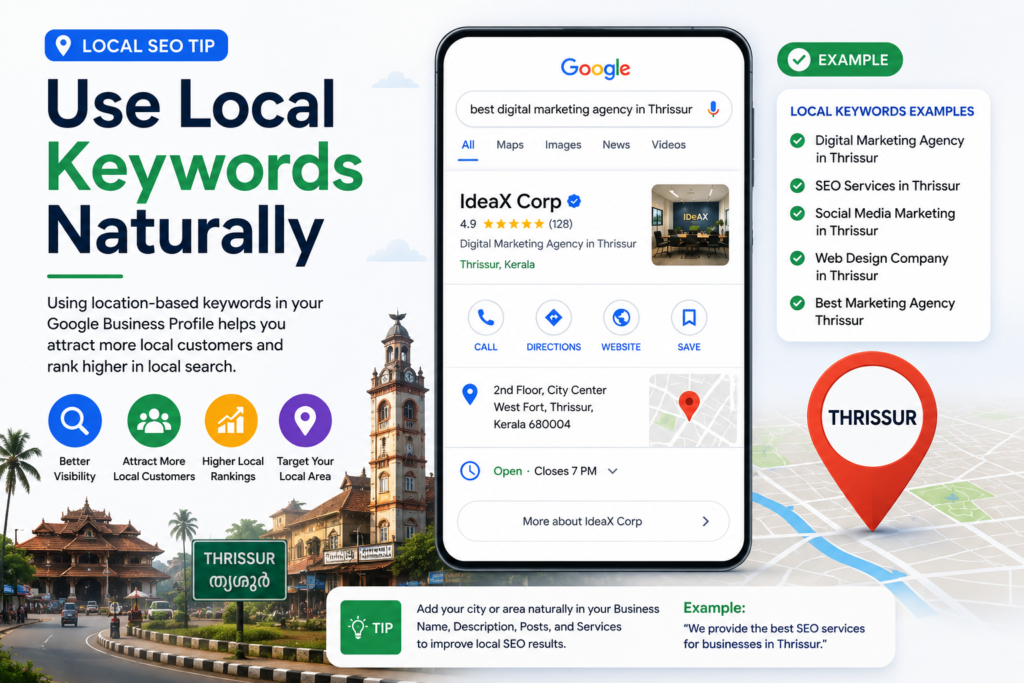
Local SEO helps search engines understand where your business operates and what services it provides.
Instead of repeatedly adding the same keyword, use natural variations such as:
- Digital marketing agency in Thrissur
- SEO services in Thrissur
- Local SEO services
- Marketing agency near me
- Digital marketing services
Use these phrases naturally across your website content, service pages, headings, and other relevant areas.
Avoid keyword stuffing. Search engines and users both benefit from content written primarily for people.
Connect Your Google Profile With Your Website
Your Google listing should work together with your website.
Make sure your website includes:
- Consistent business in formation
- Location or service-area details
- Relevant service pages
- Contact information
- Clear calls to action
- Embedded Google Maps where appropriate
You can also create dedicated local landing pages if you serve multiple locations.
For example , a business serving Thrissur, Kochi, and other Kerala locations may create relevant service-area content based on its actual operations.
Track Your Local SEO Performance
Optimization should not stop after creating your profile.
Regularly monitor your performance and look for changes in:
- Search visibility
- Website visits
- Phone calls
- Direction requests
- Customer interactions
- Review growth
- Search queries
These insights can help you understand what potential customers are looking for and which services generate the most interest.
Google Search Console can also help you understa nd how your website performs in Google Search, while analytics tools can provide additional information about website traffic and user behavior.
Common Google Business Profile Mistakes to Avoid
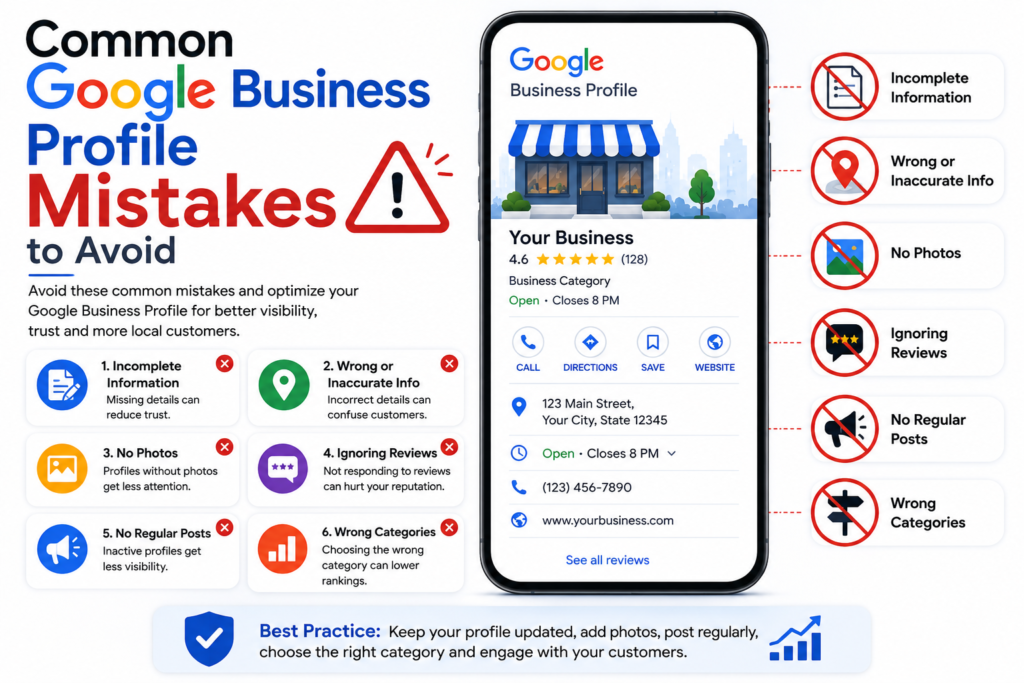
Avoid these common mistakes when managing your local business listing:
- Using incorrect business in formation
- Choosing an irrelevant primary category
- Uploading low-quality images
- Ignoring customer reviews
- Buying fake reviews
- Adding unnecessary keywords to the business name
- Leaving services and business information incomplete
- Creating duplicate business listings
- Never updating your profile
- Using misleading information
A consistent and accurate profile is more valuable than trying to manipulate search rankings.
Featured Snippet Tip: What Makes a Good Google Business Profile?
A good Google Business Profile should be :
- Complete and accurate
- Based on the correct business category
- Updated regularly
- Supported by genuine customer reviews
- Filled with high-quality visual content
- Consistent with the business website
- Relevant to the local audience
The goal should be to provide useful information t o potential customers while maintaining accurate business details.
Frequently Asked Questions
1. Is Google Business Profile free?
Yes. Google Business Profile is a free tool that allows eligible businesses to manage t heir presence on Google Search and Google Maps.
2. How does Google Business Profile help local SEO ?
It can improve your business’s visibility in local search results and Google Maps when the profile is complete, accurate, and relevant to local searches.
3. How often should I update my Google Business Profile ?
There is no fixed schedule required for every business . However, you should update im portant information whenever it changes and regularly add relevant photos, updates, services, or other useful information.
4. Do Google reviews help local businesses?
Genuine customer reviews can build trust and influence how potential customers evaluate a business. Responding professionally to reviews can also demonstrate good customer service.
5 . Can a business without a physical store use Google Business Profile?
Some service-area businesses can have a profile without displaying a customer-facing address, provided they meet Google’s eligibility requirements.
Conclusion: Turn Local Searches Into Customers
A well-managed Google Business Profile can be a valuable part of your local SEO strategy. From choosing the right category and maintaining accurate information to collecting genuine reviews and publishing useful updates, every part of your profile can contribute to a better customer experience.
But local visibility is not achieved by your Google listing alone. Your website, content, reviews, technical SEO, local citations, and overall online presence should work tog ether.
If you want to attract more customers from your local area, start by auditing your exis ting profile and identifying areas that need improvement.
Ready to improve your local online visibility? Contact IdeaXCorp for professional SEO and digital marketing solutions designed to help your business reach more local customers and grow online.
Anonymous
15 day agoLTzzlmiTnyESSpUjr